


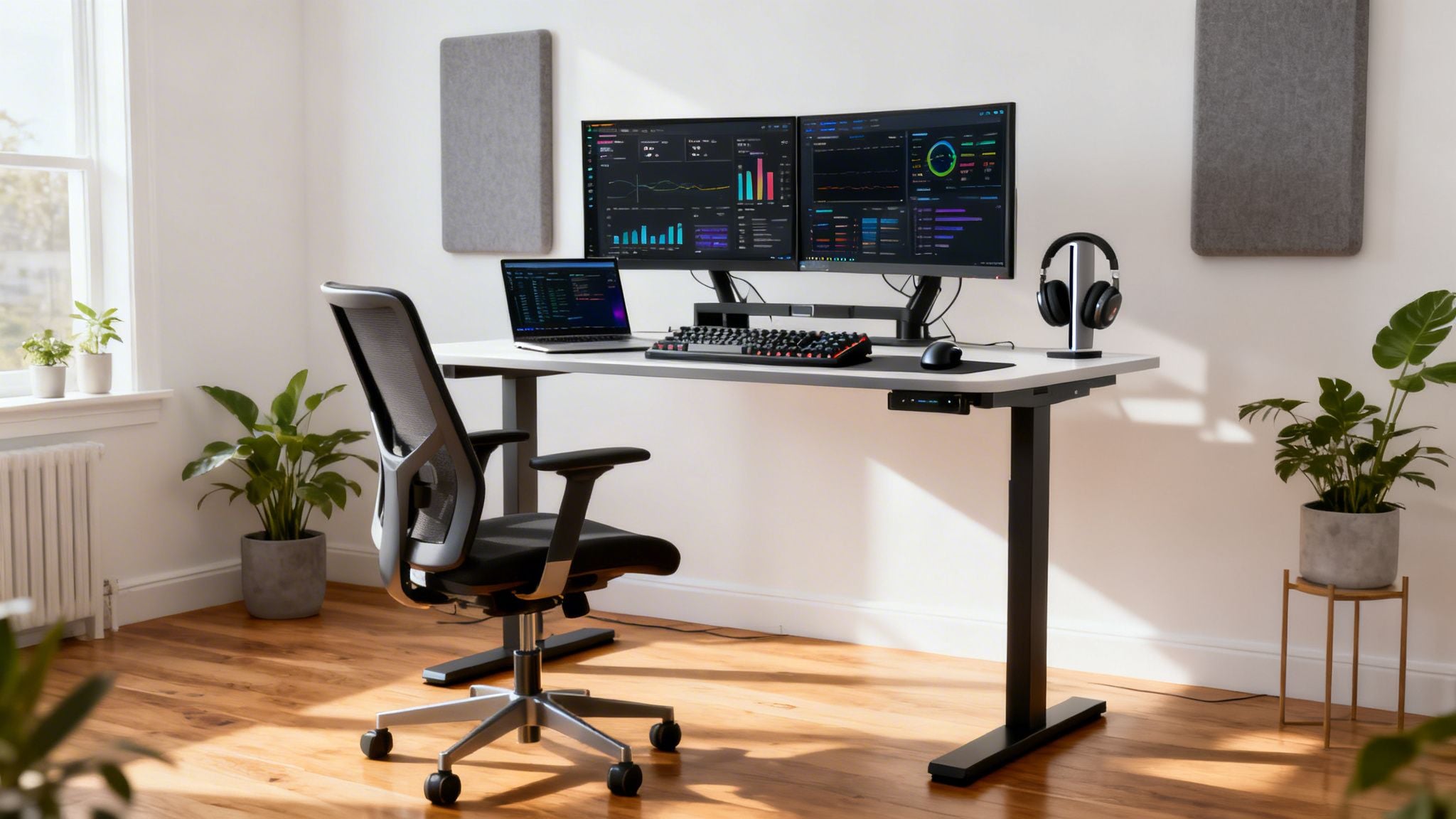
A truly productive home office is more than just a desk and a chair. It’s a quiet, dedicated space with the right furniture, lighting, and tech—all tailored to how you work. This isn’t just about comfort; it’s about building a personalized environment designed to minimize distractions and maximize deep focus, which can lead to huge performance gains.
Your Blueprint for a High-Performance Workspace
Let’s be honest, the makeshift desk shoved into a living room corner was a fine temporary fix. But if you’re serious about remote work for the long haul, it’s time to build a space that actively supports your success and well-being, instead of working against you.
This isn’t just a hunch; the idea that a dedicated, well-designed workspace boosts performance is backed by solid research.
The Proven Impact of a Dedicated Space
A landmark 2015 Stanford study that followed 16,000 employees offers some compelling proof. They found that workers with a proper home office saw a remarkable 13% increase in performance. It wasn’t about logging more hours, either. They were simply more efficient, getting more done per minute.
This confirms what many of us have felt: a quiet, personalized space drastically cuts down on distractions and strengthens our ability to focus. If you’re curious, you can dig into even more working from home productivity statistics that paint a fuller picture.
This guide focuses on what actually moves the needle. We’ll cover how to craft a space that quiets the noise and unlocks your capacity for deep, meaningful work.
The goal isn’t to replicate a corporate cubicle. It’s about building a personal command center that supports your physical well-being, mental clarity, and professional output.
The Core Components of Productivity
So, what separates a functional desk from a true productivity powerhouse? It comes down to a few fundamental drivers that work together to create an environment where you can do your best work.
To give you a clear overview, here’s a quick summary of the key components and why they matter.
Key Productivity Drivers at a Glance
| Component | Impact on Productivity | Actionable Tip |
|---|---|---|
| Defined Boundary | Reduces context-switching and protects personal time, leading to better focus during work hours. | Use a separate room if possible. If not, use a screen or rug to visually “rope off” your work area. |
| Ergonomic Support | Prevents physical strain and fatigue, which directly translates to sustained mental clarity and concentration. | Invest in an adjustable chair and position your monitor at eye level. Your body shouldn’t ache after a workday. |
| Environmental Control | Optimizing light, sound, and air quality directly affects mood, energy levels, and the ability to concentrate. | Layer your lighting (ambient and task), use noise-canceling headphones, and ensure good ventilation. |
| A Decluttered Workflow | A clean physical and digital space reduces cognitive load, freeing up mental resources for complex tasks. | Adopt a “one-touch” rule for papers and a simple digital file system. A clear space leads to a clear mind. |
Think of these components as the foundation of your entire setup.
It really boils down to this:
- A Defined Boundary: You need a clear line—physical or psychological—that separates “work” from “home.” It could be a door you can shut or just a dedicated corner that is only used for professional tasks.
- Ergonomic Support: Your body is your most important tool. A setup that creates physical pain will inevitably drain your mental energy. Good ergonomics are simply non-negotiable for anyone working from home full-time.
- Environmental Control: You have an incredible amount of control over your light, sound, and even air quality at home. Fine-tuning these elements can have a profound impact on your energy and concentration throughout the day.
- A Decluttered Workflow: Both your physical desk and your digital desktop can create mental noise. When your brain isn’t busy processing clutter or hunting for a file, it has more bandwidth for actual problem-solving.
Building a better workspace isn’t about having a huge house or an unlimited budget. It’s about being intentional. By focusing on these key areas, you can strategically design an office that makes you better at what you do. Now, let’s get started.
Your Ergonomic Blueprint: Building for Comfort and Focus
Let’s be honest: long hours at a desk can wreak havoc on your body. That nagging back pain, sore wrists, or end-of-day fatigue isn’t a requirement for working from home. A truly ergonomic setup is your single most important investment—not just for your health, but for your ability to do deep, focused work.
This isn’t about buying the most expensive gear. It’s about creating a system where your workstation fits you, not the other way around. The goal is simple: create a space that supports your body, so your mind can stay locked in on what matters.
This all starts with a clear, strategic approach.
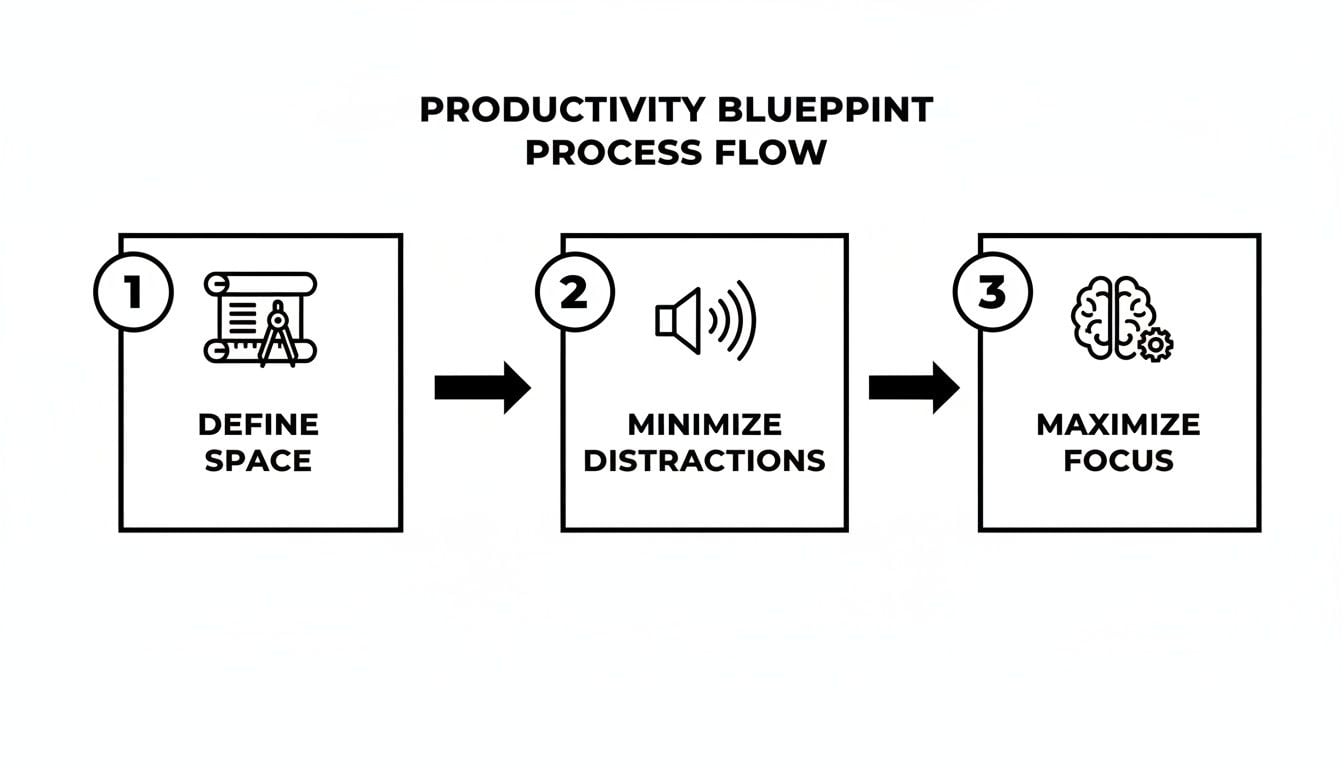
As you can see, before you can even think about maximizing focus, you have to define your space and get rid of distractions. Building your ergonomic foundation is a huge part of that first step.
Nail the 90-90-90 Rule
If there’s one core principle to remember for desk ergonomics, it’s the 90-90-90 rule. It’s a simple but powerful guide for aligning your body to minimize physical strain. Your goal is to create three key 90-degree angles.
- Ankles at 90 Degrees: Plant your feet flat on the floor. If they don’t reach, grab a footrest. This is your base, and it stabilizes your entire posture.
- Knees at 90 Degrees: Adjust your chair so your thighs are parallel to the floor. This takes the pressure off the back of your knees and helps keep your spine in a neutral position.
- Elbows at 90 Degrees: With your shoulders relaxed, your forearms should be parallel to the desk. This allows your wrists to stay straight while typing, which is critical for preventing strain.
I once worked with a 6’2″ developer who was always hunched over because his knees were jammed against his standard-height desk. His fix? A simple set of desk risers. Elevating the entire desk just a few inches gave him the clearance to achieve that 90-degree knee angle, and he said his lower back pain vanished almost overnight.
Your body is a finely tuned instrument. If you spend eight hours a day forcing it into an unnatural position, you can’t expect your mind to perform at its peak. Ergonomics is the practice of tuning your environment to support your body’s natural state.
The Chair Is Your Cockpit
If you spend most of your day sitting, your office chair is the single most important piece of gear in your entire setup. A cheap, unsupportive chair is a recipe for pain and distraction. Investing in a good one is a direct investment in your well-being.
Look for a chair with a few key points of adjustability:
- Adjustable Height: This is non-negotiable for getting your feet flat on the floor and your knees to that perfect 90-degree angle.
- Proper Lumbar Support: It should be adjustable, ideally in both height and depth, to perfectly match the curve of your lower back. This is what keeps you from slouching four hours into your day.
- Adjustable Armrests: Set them so your elbows rest comfortably at a 90-degree angle. This takes a surprising amount of strain off your shoulders and neck.
A 5’4″ designer I know always struggled with chairs built for taller people—the lumbar support hit her in the mid-back and the seat was too deep. She finally found a chair designed for a smaller frame. Being able to sit all the way back and feel the support in the right place completely eliminated the upper back tension she’d been dealing with for years.

Get Your Monitor in the Right Spot
“Tech neck” is real, and it’s almost always caused by a poorly positioned monitor. Staring down at a screen all day puts immense strain on your neck and shoulders, but thankfully, the fix is incredibly easy.
Your monitor should be placed so that the top of the screen is at or just below your eye level. You shouldn’t have to tilt your head up or down to see. It should also be about an arm’s length away from you.
If you’re working on a laptop, this setup is basically impossible without some help. You’ll need an external keyboard and mouse, plus a laptop stand. Stacking it on a pile of books works in a pinch, but a proper stand gives you the stability and height adjustment you really need.

Why You Should Consider a Standing Desk
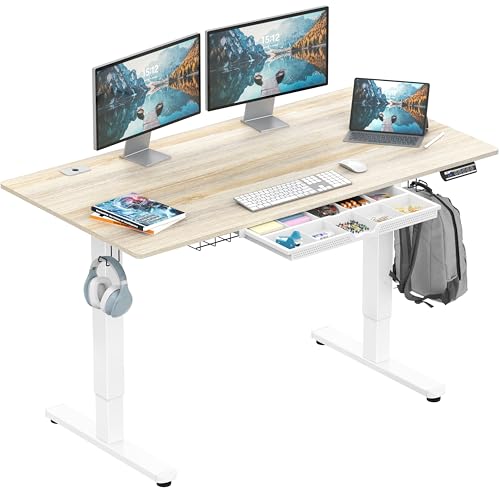
You’ve probably heard the phrase “sitting is the new smoking.” While it might be a little dramatic, staying glued to your chair for eight hours straight is terrible for your energy and focus. A standing desk is a game-changer.
Simply alternating between sitting and standing throughout the day can boost circulation, reduce back pain, and has even been shown to improve mood and energy. I’ve found that even standing for just 30 minutes every couple of hours makes a huge difference in avoiding that afternoon slump.
If you’re curious about making the switch, our guide to the best standing desks for a home office walks you through everything you need to know to find a great option for your space.
How to Optimize Your Workspace Environment
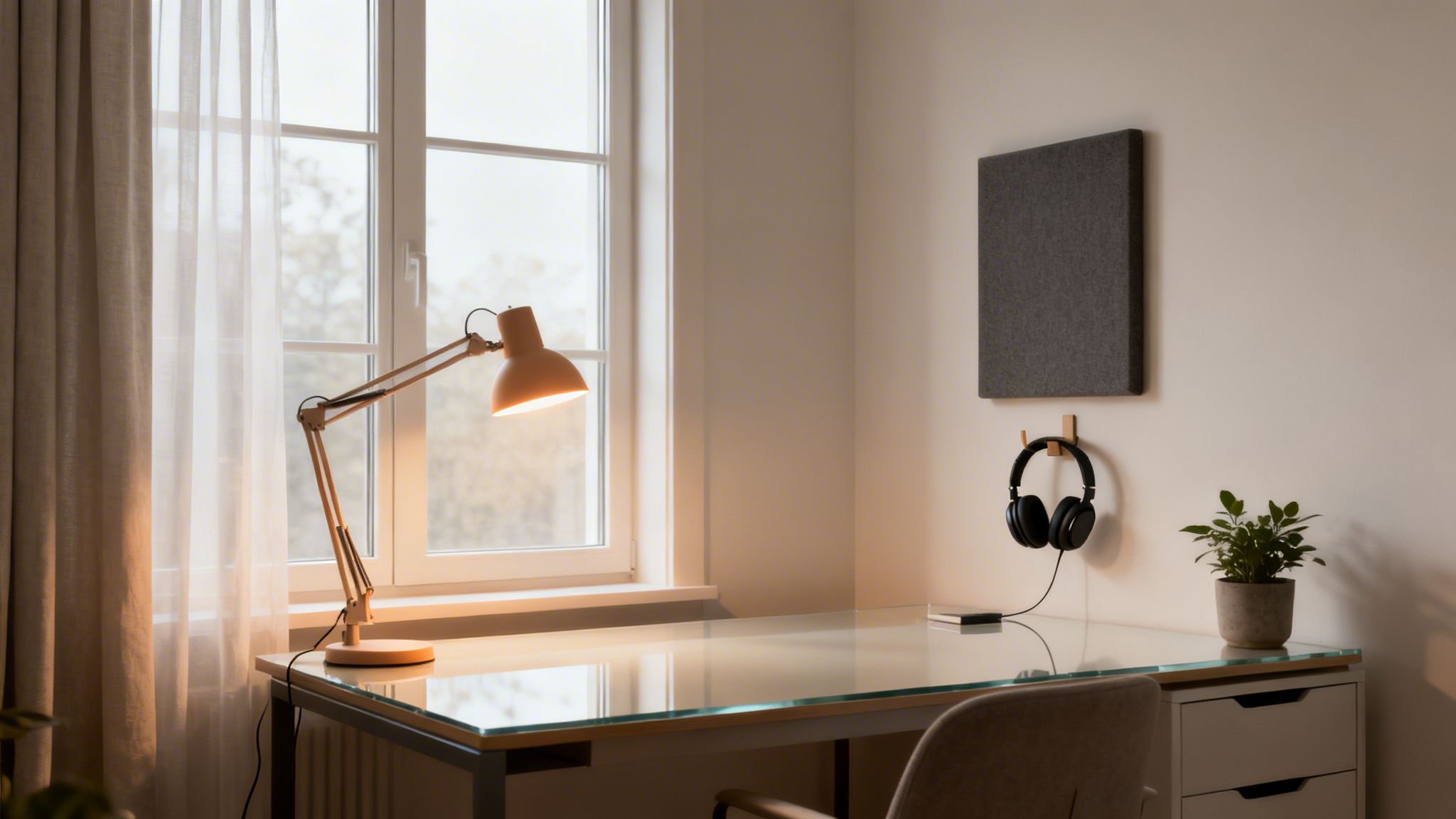
Once you’ve nailed the perfect chair and desk, the real work begins. Your physical gear is only half the battle; the environment around you—the light, the noise, the clutter—has a staggering effect on your ability to focus. I’ve seen incredible ergonomic setups get completely undermined by a chaotic atmosphere.
This next step is all about fine-tuning your sensory inputs. Think of it as turning your office from just a room with a desk into a calm, focused command center where you can do your best work without constantly fighting your surroundings.
Master Your Lighting for All-Day Energy
Light is one of the most powerful, and frankly, most ignored tools we have for productivity. It dictates your mood, energy, and even your sleep cycle. Getting it right is a total game-changer.
Your first move should always be to maximize natural light. If you can, set up your desk so you’re facing a window or have it just off to the side. This provides a huge boost in mood and energy. Just be careful not to put the window directly behind you, or you’ll spend all day battling screen glare and eye strain.
For those gray days or late-night work sessions, you’ll need to create your own light. Don’t just rely on a single, harsh overhead fixture. A layered approach works best.
- Ambient Light: This is your room’s general lighting. A soft floor lamp or a diffuse ceiling light creates a comfortable base layer.
- Task Light: This is non-negotiable. A good desk lamp illuminates your immediate work area, cutting down on eye fatigue without creating glare on your screen.
- SAD Lamps: Seriously, don’t overlook these, especially in winter. Even if you don’t have Seasonal Affective Disorder, a lamp that mimics daylight can trick your brain into feeling more alert. I find it’s a lifesaver for beating that 2 p.m. slump.
Pay attention to the color temperature of your bulbs, too. For daytime focus, look for bulbs in the cool, bright 5000K to 6500K range. When you’re winding down, switch to warmer light (around 2700K) to help signal to your brain that the workday is over.
Control the Soundscape
Few things shatter concentration faster than unexpected noise. A barking dog, the neighbor’s lawnmower, a conversation in the next room—they all pull you out of the zone.
Noise-canceling headphones are your first and best line of defense. They’re indispensable for blocking out unpredictable sounds and serve as a universal “do not disturb” sign. You don’t need the priciest model; many affordable options are fantastic for creating a bubble of focus.
A quiet space is more than a luxury; it’s a prerequisite for deep work. By consciously managing sound, you give your brain the clear runway it needs to tackle complex problems without constant interruption.
For a more permanent fix, you can use a few simple acoustic tricks. Soft furnishings are your friend here—rugs, curtains, and even fabric wall hangings do an amazing job of absorbing sound. A bookshelf packed with books is another surprisingly effective sound dampener.
If you’re still struggling, our guide on how to eliminate distractions dives even deeper into strategies for creating your own quiet zone.
Declutter Your Desk and Your Mind
I’m a firm believer that a cluttered desk leads to a cluttered mind. Every stray paper, extra pen, or random gadget is a tiny visual distraction, adding to your cognitive load and pulling your attention away from what matters.
A great principle I follow is the “two-arm’s reach” rule. Anything you absolutely need for the task at hand—keyboard, mouse, one notebook, a pen—should be within easy reach. Everything else gets put away. It’s a simple habit that works wonders for keeping your mind clear.
This mindset extends beyond just your desk. The most productive home offices are holistic environments. Adding an air purifier can provide a real cognitive boost, and a multi-monitor setup has been shown to improve task efficiency by 20-30%. It’s all part of building a space that supports, rather than hinders, your work.
This is why remote-first companies are thriving; they understand that an optimized home setup drives real results. In fact, a recent report from Robert Half found that revenue for these companies grew 1.7 times from 2019 to 2024. A quiet space, good lighting, and the right tech aren’t just perks—they’re a powerful business advantage.
Choosing Tech That Actually Boosts Your Workflow
The right tech should just disappear, letting you focus entirely on your work. The wrong tech, on the other hand, is a constant source of friction—a nagging distraction that pulls you out of your flow. Building a productive home office isn’t about buying the most expensive gadgets; it’s about thoughtfully selecting tools that complement the way you already think and work.
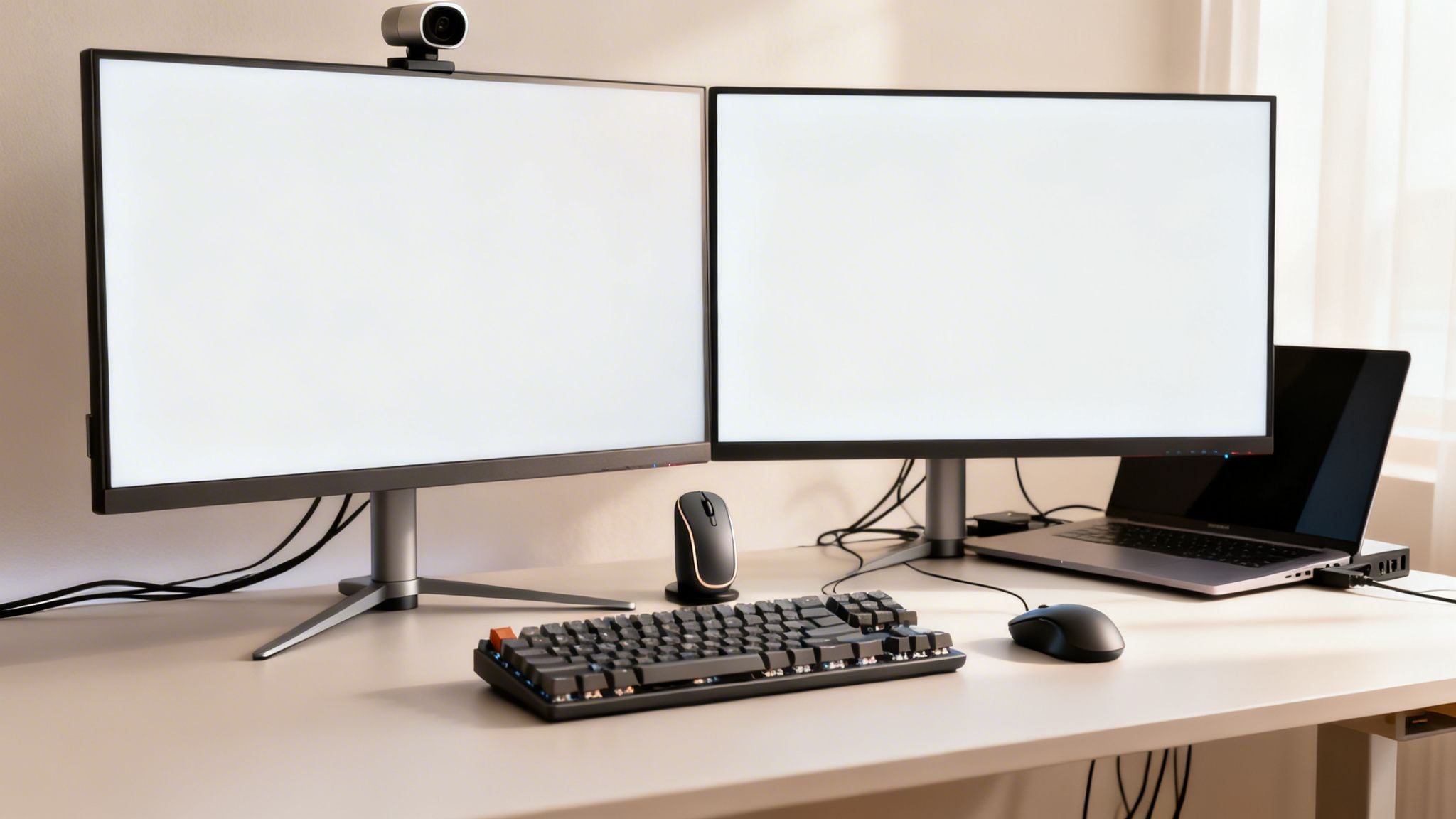
Let’s move past the generic shopping lists and get into the why behind each piece of gear, so you can pick the tools that will genuinely multiply your output.
The Laptop: Your Command Center
Everything flows from your laptop. It’s the engine driving your entire setup. While pretty much any modern machine can handle basic emails and browsing, true productivity calls for a device that’s matched to your specific workload. Forget brand loyalty for a moment and focus on the specs that will make a real difference in your day-to-day grind.
- For Writers, Researchers, and Managers: Your priorities are a snappy SSD for fast boot-ups, at least 8GB of RAM to juggle dozens of browser tabs without lag, and a crisp, high-resolution screen to reduce eye strain. The processor is less of a concern here.
- For Developers and Creatives: This is where you need more horsepower. Prioritize a powerful processor (like an Intel i7/i9 or Apple’s M-series chips) and a minimum of 16GB of RAM—or even 32GB if you’re doing heavy video editing or running virtual machines. A dedicated graphics card is also a must for any serious visual work.
For a more detailed breakdown, our guide on the best laptops for productivity dives into the top models for different professional needs. Whichever you choose, make sure it has the ports you need, or budget for a good docking station. Connecting everything with a single cable is a quality-of-life upgrade you won’t regret.
Why You Need More Screen Space
If I could recommend only one upgrade that delivers an immediate and significant productivity boost, it would be adding an external monitor. Study after study shows that a dual-monitor setup can increase your efficiency by 20-30%, simply by eliminating the constant need to switch between windows.
Think about it in real-world terms. A marketing analyst can keep their raw data open on one screen while building their presentation on the other. A developer can write code on their main monitor while seeing a live preview update on the second. The mental energy you save by not constantly toggling tabs is huge. It helps you stay in a state of deep work, or “flow.”
I once believed more screens automatically meant more productivity. I went from one monitor, to two, and for a short time, even three. I quickly realized that third screen was just a glorified home for Slack and Spotify—two major sources of distraction. I’ve since settled on a single large ultrawide monitor. It gives me all the space I need for two full-sized windows without the overwhelming clutter of multiple displays.

The Tools You Touch: Peripherals That Matter
Your keyboard and mouse are your primary physical connection to your work. Upgrading from the standard-issue accessories that came with your computer can make your entire workday feel more fluid and comfortable.
Mechanical Keyboards
If you spend your day typing, a mechanical keyboard is a game-changer. The tactile feedback and satisfying click of the keys aren’t just for show; they can genuinely make typing faster and more enjoyable. It’s a small investment that pays dividends in how your work feels.
Ergonomic Mice
A standard mouse forces your wrist into an unnatural, flat position. Over time, that adds up. A vertical mouse or a trackball, however, keeps your hand in a more neutral “handshake” grip, which can dramatically reduce wrist and forearm strain during long work sessions. The Logitech MX Master series is a popular choice for good reason—its ergonomic shape and customizable buttons are fantastic.
Building Your Productivity Tech Stack
Now that you have a sense of the key hardware components, let’s look at how to pull it all together based on your budget. The right setup for you balances cost with the features you need to do your best work.
Home Office Tech Tier Comparison
This table offers a simple framework for building your tech stack, whether you’re starting from scratch or looking to make strategic upgrades.
| Category | Essential (Budget-Friendly) | Enhanced (Mid-Range) | Premium (High-Performance) |
|---|---|---|---|
| Computer | Core i5/Ryzen 5, 8GB RAM, 256GB SSD | Core i7/Ryzen 7, 16GB RAM, 512GB SSD | Core i9/Apple M-Series, 32GB+ RAM, 1TB+ SSD |
| Monitor(s) | Single 24-27″ 1080p Monitor | Dual 27″ 1440p Monitors or Single 34″ Ultrawide | High-Refresh Rate 4K Monitor or Pro-Grade Ultrawide |
| Keyboard | Quality Membrane Keyboard | Mechanical Keyboard (e.g., Keychron) | Custom Mechanical or High-End Ergonomic Keyboard |
| Mouse | Standard Wireless Mouse | Ergonomic Mouse (e.g., Logitech MX Master 3S) | Vertical Mouse or Advanced Trackball |
| Webcam | Laptop’s Built-in Camera | 1080p External Webcam (e.g., Logitech C920) | 4K Webcam (e.g., Logitech BRIO) or DSLR Setup |
| Audio | Basic Headset or Earbuds | Noise-Cancelling Headphones (e.g., Sony WH-1000XM5) | Dedicated USB Mic (e.g., Blue Yeti) & Studio Monitors |
Remember, you can always mix and match. You might need a premium laptop for your work but can get by with an essential monitor setup. Use this as a guide, not a rigid set of rules.
The Software That Ties It All Together
Your physical gear is only half the battle. The right software is what organizes your thoughts, defends your focus, and brings structure to your day.
Here are a few categories worth investing time in:
- Task Management: A good system is non-negotiable. Tools like Notion or ClickUp give you a central command center for all your projects and to-do lists. Having a visual plan is especially critical for freelancers or anyone juggling multiple clients and deadlines.
- Focus Apps: Let’s be honest: willpower is a finite resource. An app like Freedom.to is a lifesaver. It lets you block distracting websites and apps on a schedule, creating an environment where focus becomes the path of least resistance.
- Time Tracking: The Pomodoro Technique—working in focused 25-minute sprints with 5-minute breaks—is famous for a reason. It works. An app like FocusPomo automates the timers for you, so all you have to do is hit “start” and get to work.
Getting Your Head in the Game: Routines and a Remote Work Mindset
Look, a killer home office setup is fantastic, but it’s only half the equation. All the best gear in the world creates the potential for focus, but your daily habits are what actually make it happen. This is where we connect your thoughtfully designed space to your actual, day-to-day performance.
An ergonomic throne and a 4K monitor won’t do a thing to stop you from procrastinating if your head isn’t in the right space. A great setup deserves an equally powerful mindset. The goal here is to build routines that make getting things done feel like the easiest, most natural option.
Carving Out Structure for Deep Work
The flexibility of working from home can feel like a superpower one day and a total curse the next. Without the built-in rhythm of an office, it’s far too easy for your day to dissolve into a frantic blur of notifications and reactive busywork. The solution is to create your own structure, and to do it with intention.
I’ve seen two methods work wonders for imposing a little order on the chaos:
- Time Blocking: This is where you schedule your focus just as you would a meeting. Instead of a messy, overwhelming to-do list, you carve out specific blocks of time for specific tasks. For instance, “9:00 AM – 10:30 AM: Draft Q3 project proposal” or “2:00 PM – 2:30 PM: Clear client email inbox.”
- The Pomodoro Technique: A brilliantly simple method. You work in focused 25-minute sprints, then take a 5-minute break. After four of these “pomodoros,” you give yourself a longer break. Its magic lies in how manageable it feels—committing to just 25 minutes of work is so much less intimidating than facing down a three-hour task.
My own secret sauce is a hybrid approach. I’ll time-block a 90-minute session for a heavy-lifting task, but I’ll use a Pomodoro timer within that block to stay sharp and sidestep burnout. A simple app like FocusPomo handles all the timing, so all you have to do is press start and dive in.
The Power of the “Commute”: Your Start and End-of-Day Rituals
When your office is three steps from your bed, the lines between work and life get blurry fast. This is the fast track to burnout. I’ve found that the most successful remote workers are absolute masters at drawing firm boundaries, and it all starts with simple rituals to begin and end the day.
A start-of-day ritual is your signal to your brain that the workday has begun. It doesn’t need to be some grand, complicated routine.
My own is straightforward: I grab my coffee, sit down, and spend five minutes reviewing my daily plan in Notion. I deliberately avoid checking email or Slack. That small act of planning centers my focus before the world’s demands come rushing in.
An end-of-day ritual is arguably even more critical. It’s how you consciously “clock out” and get your personal time back.
The classic mistake is to just slam your laptop shut and walk away. That leaves your brain spinning, with all those work-related tabs still mentally open. A real shutdown ritual helps you close those loops so you can truly disconnect.
Your end-of-day process could look something like this:
- Take ten minutes to tidy your desk space.
- Quickly review what you got done and map out the top three priorities for tomorrow.
- Close every single work tab, app, and window. All of them.
- Physically leave your office. Don’t go back in until the next morning.
This simple sequence creates a psychological boundary that’s every bit as effective as a 45-minute commute.
Staying Fired Up and Connected
Let’s be honest: working alone can get lonely. It’s a real challenge to fight off that sense of isolation and keep your motivation high without the buzz of a team around you. Your office environment can help, but again, your mindset is what makes the real difference.
To keep the loneliness at bay, you have to be proactive. Put virtual coffee chats with coworkers on the calendar. Use your flexible schedule to actually meet a friend for lunch. Having social interactions that have nothing to do with work is essential for your sanity.
As for motivation, you need to make your progress visible. I keep a small, cheap whiteboard right next to my monitor for my most critical to-dos. There is an incredible, primal satisfaction in physically wiping a task off that board. It’s a tangible, visible reminder that you’re making headway, which is a huge boost on days when you feel stuck.
Ultimately, the most productive home office is one that supports not just your work, but your well-being, too.
Frequently Asked Questions About Home Office Setups
Even the most carefully designed plan can hit a few snags. As you start putting your home office together, you’re bound to run into some specific challenges. Let’s tackle some of the common questions I hear all the time to help you iron out those final details.
How Much Space Do I Really Need?
It’s a common myth that you need a huge, dedicated room for a productive workspace. What you actually need is a defined boundary—a clear signal to your brain that this spot is for work.
I have a friend, a writer living in a tiny studio, who built an amazing setup in a little nook. He used a tall, narrow bookshelf to physically wall off his desk from the rest of his living space. That simple act of division created the mental separation he needed to focus.
The trick is to make the space feel distinct. You’d be surprised how effective even a small area rug under your desk can be at creating that psychological “work zone.”
Are Two Monitors Always Better Than One?
Not always. While plenty of studies suggest multiple monitors can boost efficiency by 20-30% by cutting down on window-switching, it’s not a magic bullet for everyone. For some, a second screen just becomes a dedicated home for distractions like Slack, Spotify, or your inbox.
I learned this the hard way. I once tried a three-monitor setup and found it completely overwhelming; my side screens were a constant temptation. I’ve since switched to a single, large ultrawide monitor, and my ability to stay on task has skyrocketed.
The real goal isn’t more screens; it’s more usable screen real estate. A single ultrawide monitor often delivers the same benefit as two separate ones—letting you view two full-sized windows side-by-side—without the physical and mental clutter.
Before you buy another display, think about your workflow. Do you truly need to cross-reference two full-screen apps constantly? If so, dual monitors are a fantastic investment. If not, a single, high-quality monitor might be a cleaner, more focused choice.
What Is the “Double Notebook” Technique?
This is a deceptively simple organizational method I started using years ago, and it’s been a cornerstone of my productivity ever since. The idea is to use two separate notebooks—they can be digital or physical—to split your thinking from your doing.
Here’s the breakdown:
- Notebook One is your master to-do list. This is a running log of every single task. Because it’s a dedicated list, you never have to waste time digging through meeting notes to find what’s next. I like to color-code mine to see deadlines at a glance.
- Notebook Two is for everything else. This is your scratchpad for meeting notes, brainstorming sessions, and random ideas. It’s a free-form space for thinking, completely separate from the pressure of a task list.
Keeping these separate is what makes the system work. Your action items stay clean and immediately obvious, which removes the mental friction of deciding what to work on next. I use the GoodNotes app on an iPad for this, but two simple paper notebooks and a pen work just as well.
How Can I Stay Focused Without Strong Willpower?
Let’s be real: willpower is a finite resource. Trying to rely on it to fight the siren song of the internet is a battle you’ll eventually lose. A much better strategy is to design an environment where focus is the easiest option.
I consider an app called Freedom.to a non-negotiable part of my toolkit. It lets you schedule blocks for distracting websites and apps. You set it up once, and it acts as an automated guard for your attention.
Another fantastic tool is Flora, a free app that turns focus into a game. You plant a virtual tree that grows as long as you stay off your phone. If you get distracted and open another app, the tree dies. It’s a surprisingly powerful way to break the habit of mindless scrolling, and they even partner with organizations to plant real trees.
Sometimes the most effective productivity hack is just subtraction. A while back, I deleted all social media apps from my phone. The result? The automatic impulse to pick up my phone just… vanished. These kinds of small environmental tweaks are far more reliable than just “trying harder.”
At David Pexa, we’re focused on finding the tools and strategies that lay the groundwork for personal growth and peak performance. You can find more of our guides and curated recommendations for building a productive life you actually enjoy at https://davidpexa.com.
